Project Overview
This project addresses the challenge of accessing a local LM Studio server from any computer within a home network. While LM Studio provides powerful local LLM capabilities, connecting to its API remotely proved more complex than anticipated.
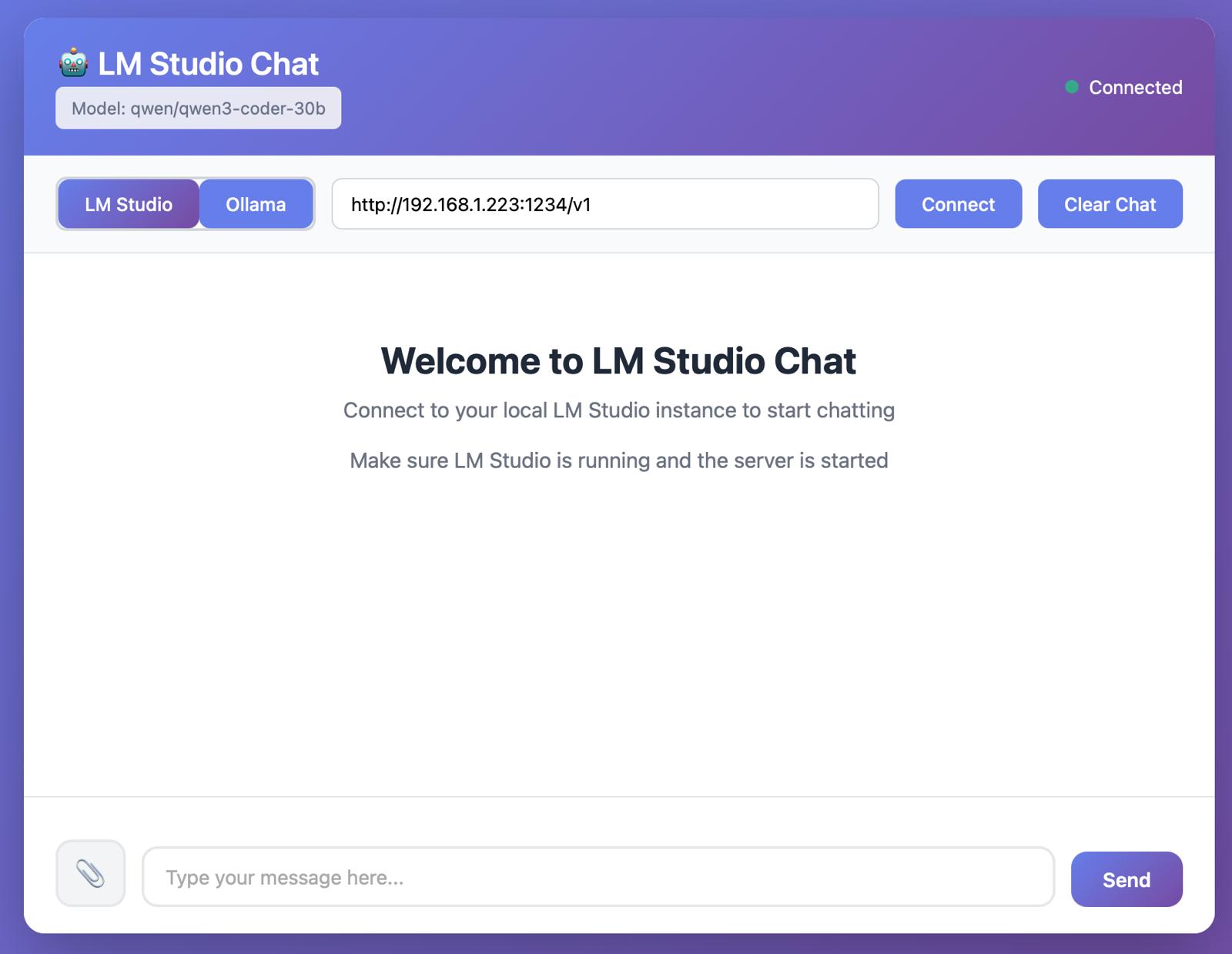
Built with Claude Sonnet 4.5 (free version), this custom frontend provides an intuitive interface for connecting to the AI computer in the office. The application supports both text-based chat interactions and file uploads, with all data remaining securely on local computers—ensuring complete privacy and control over sensitive information.
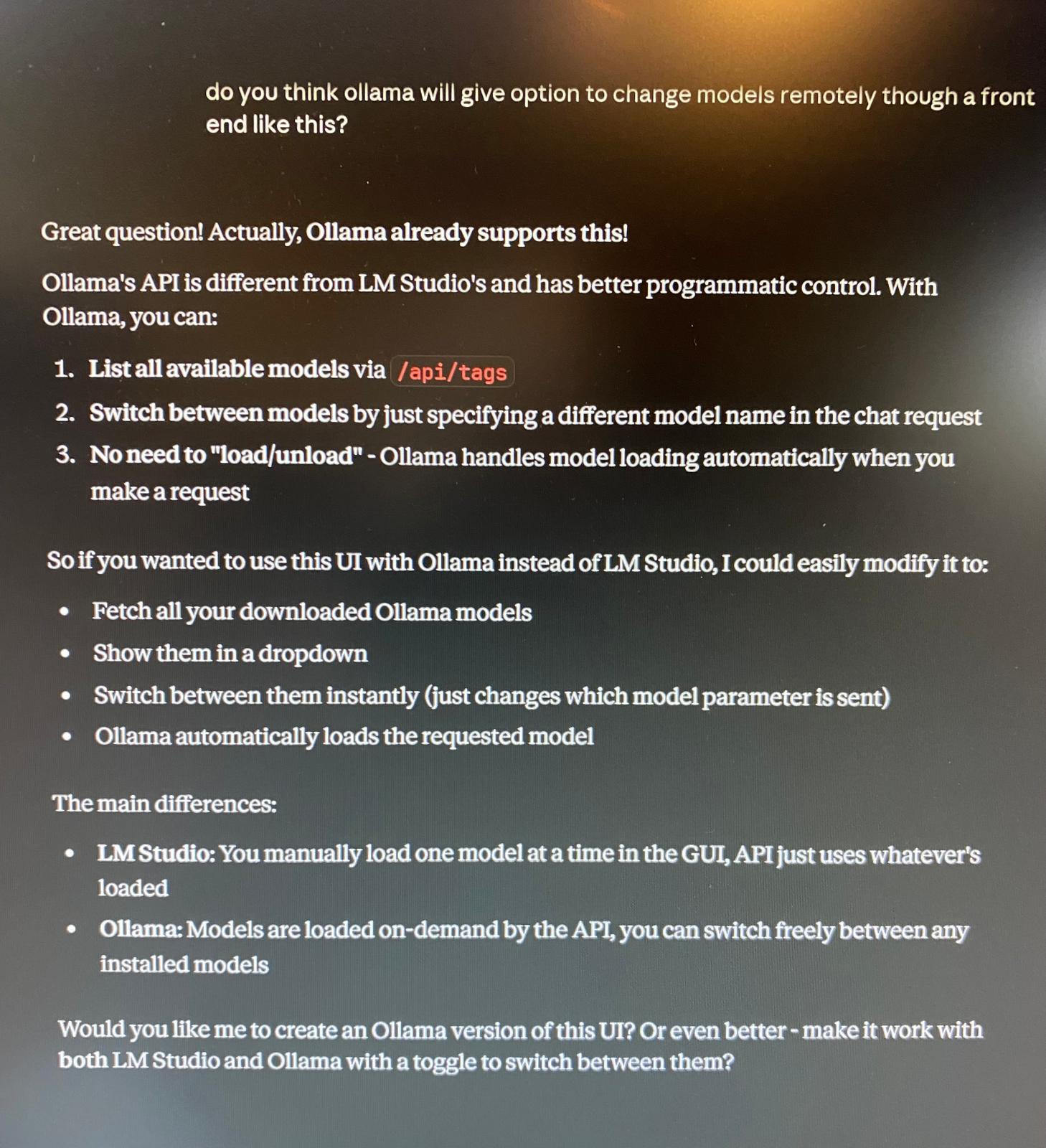
The current implementation successfully handles chat interactions and file processing through the local LLM. The only remaining limitation is the ability to switch between different models directly from the frontend interface, though this is a feature under consideration for future development.
Key Features
Network Access
Connect to LM Studio server from any device on the local network
Chat Interface
Clean, intuitive chat UI for natural conversations with local LLMs
File Upload
Upload and process files directly through the local LLM
Privacy First
All data and files remain on local computers—no external servers
LM Studio API
Direct integration with LM Studio's API endpoints
Built with Claude
Developed using Claude Sonnet 4.5 free version
Development Journey
The project began with a simple need: accessing the powerful AI computer in the office from other devices around the house. Initial attempts to connect directly to the LM Studio API presented unexpected challenges, particularly around network configuration and API endpoint compatibility.
Rather than spending hours troubleshooting various connection methods, the decision was made to build a custom frontend using Claude. The development process with Claude Sonnet 4.5 proved remarkably efficient—what could have taken days of traditional development was accomplished in a fraction of the time.
The resulting application provides a clean, responsive interface that handles the complexities of API communication behind the scenes, making it easy for anyone on the network to interact with the local LLM models.
Interface Screenshots
Future Enhancements
While the current implementation successfully handles core chat and file upload functionality, there are several planned improvements:
Model Switching
Enable dynamic model selection from the frontend interface
Parameter Controls
Add controls for temperature, max tokens, and other generation parameters
Chat History
Implement conversation saving and loading functionality
Mobile Optimization
Further enhance the mobile experience for on-the-go access